












Everything You Need to Know About Ko-Host
Learn how Ko-Host works, how publishing works, customization details, microsite expiration, pricing, and more.
Common Questions
Getting Started
What is Ko-Host?+
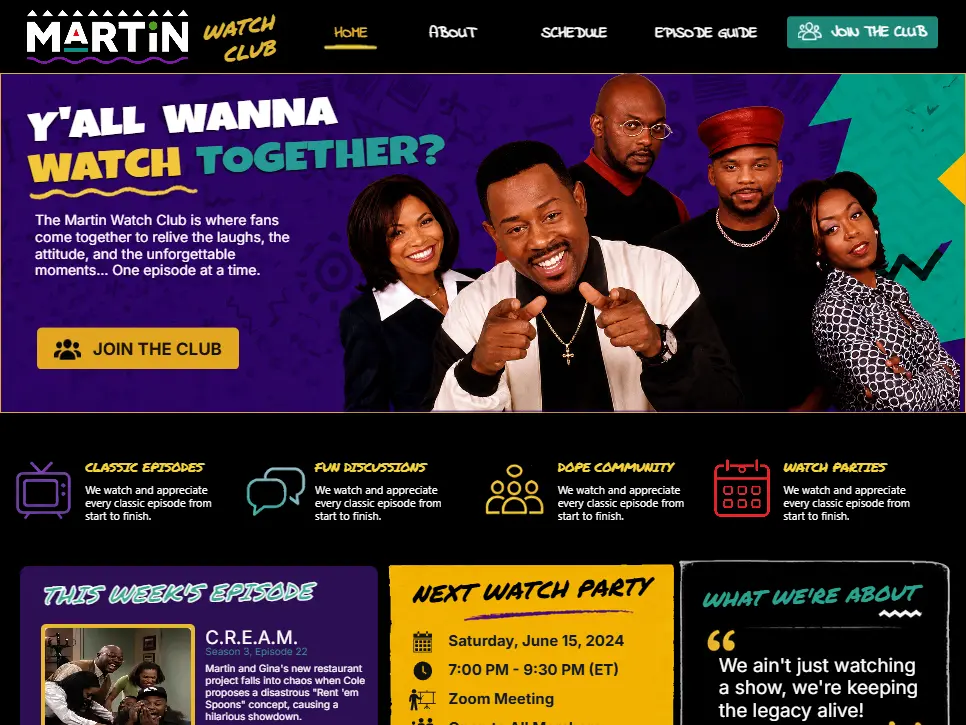
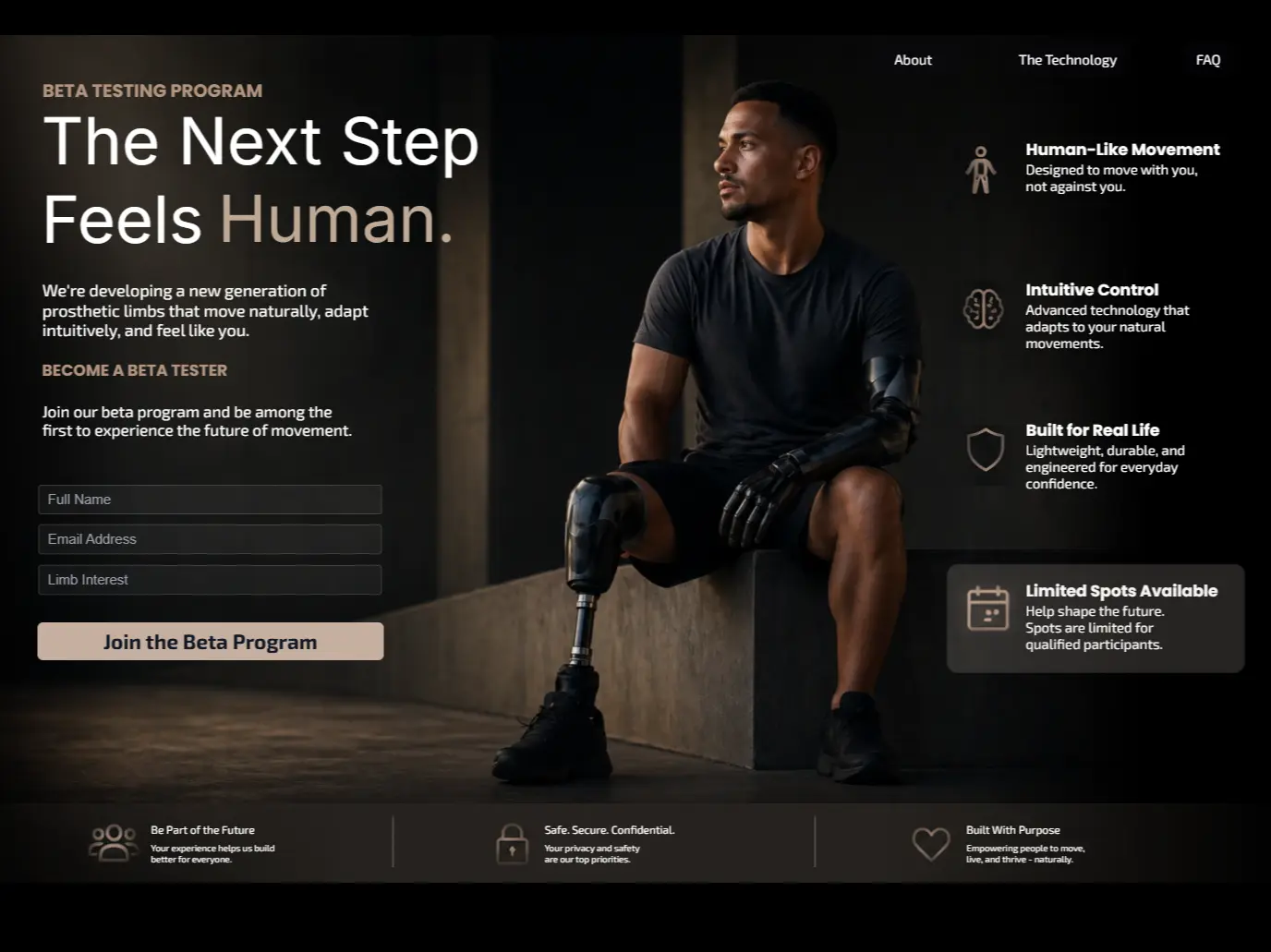
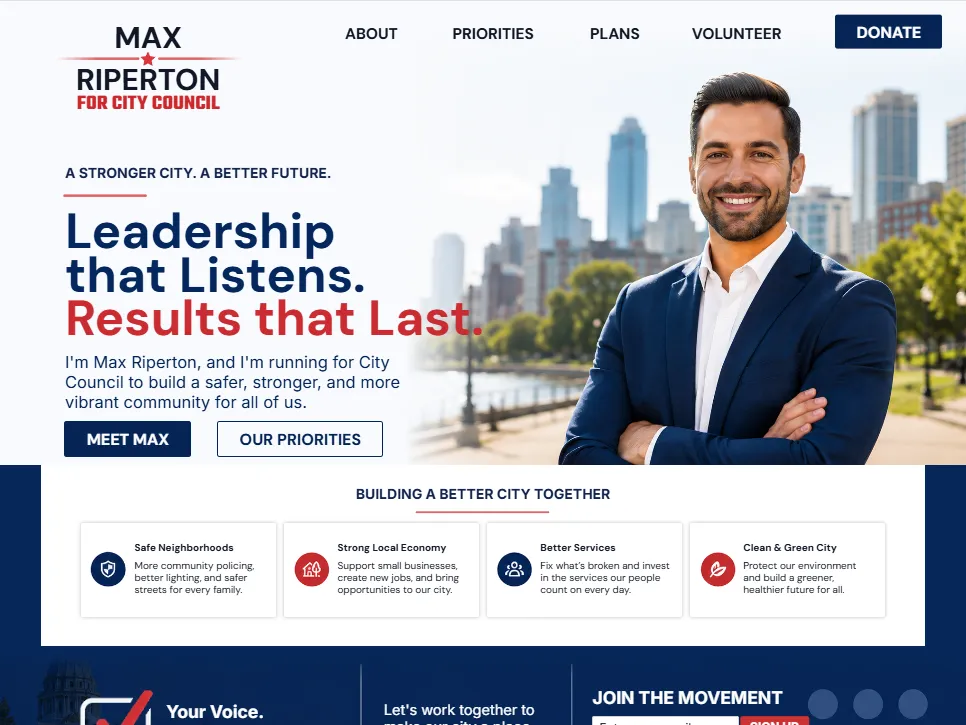
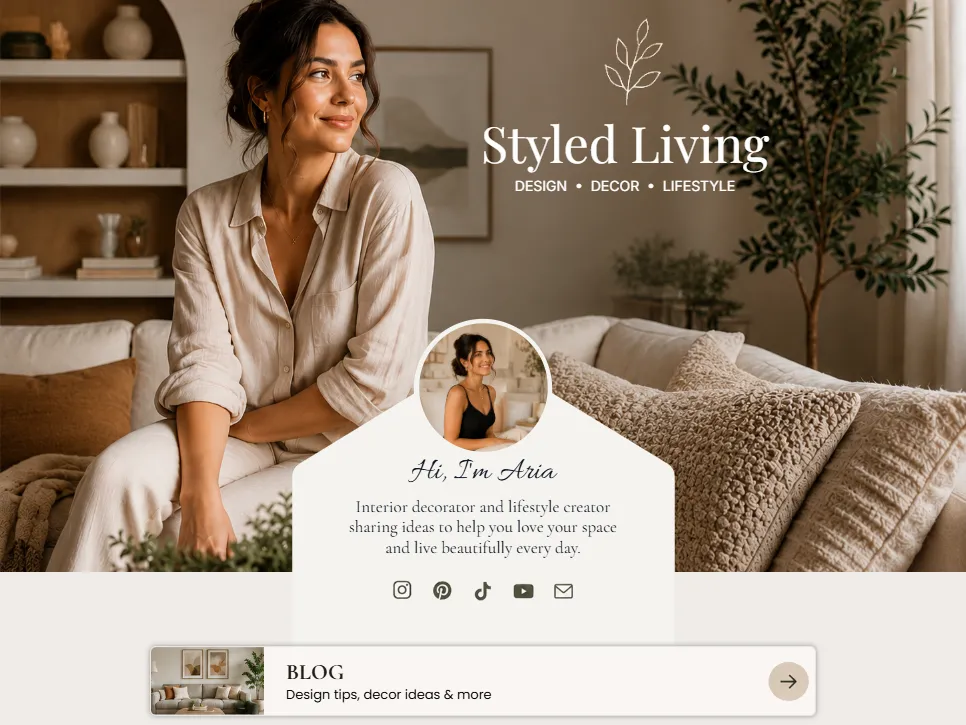
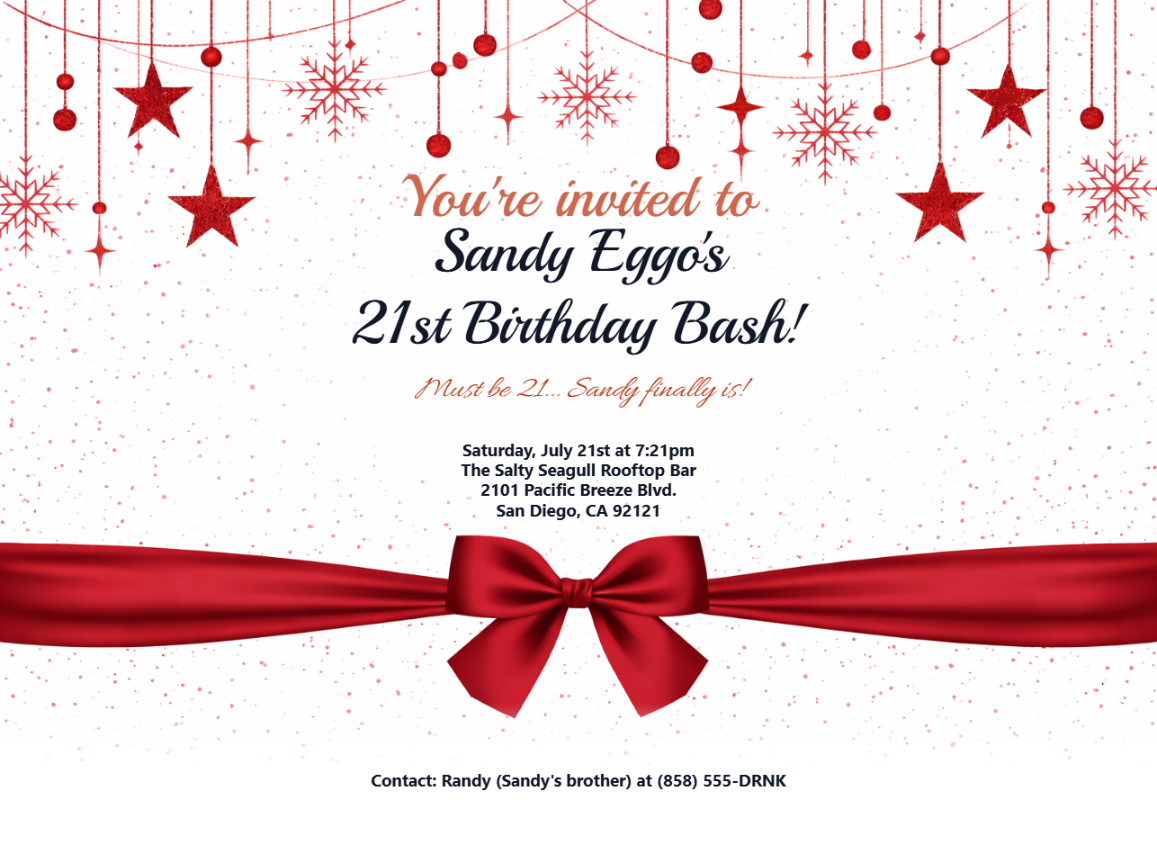
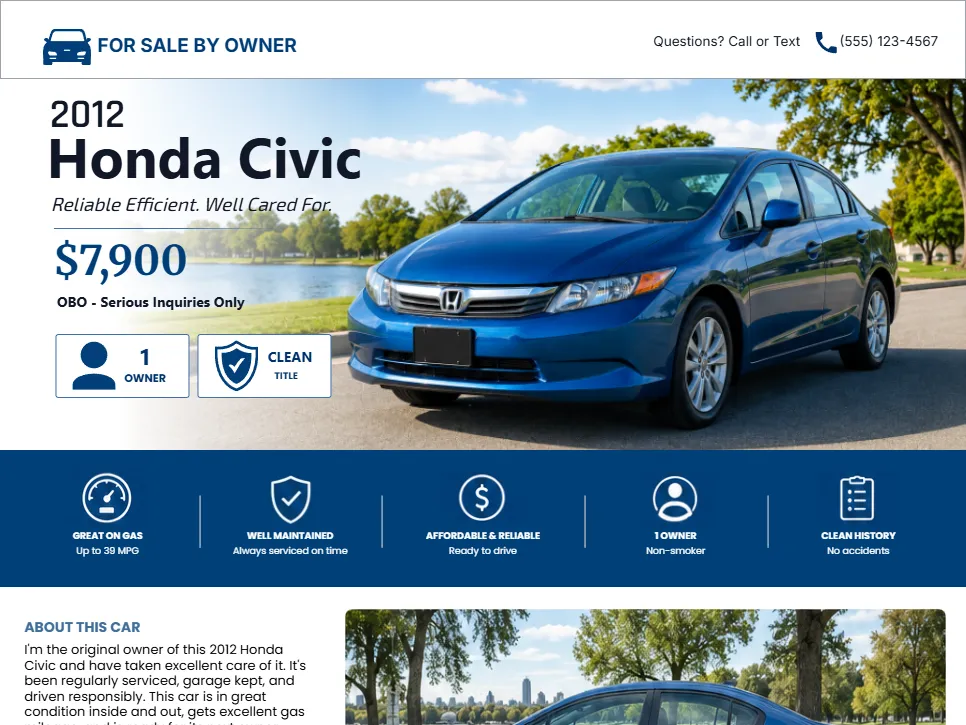
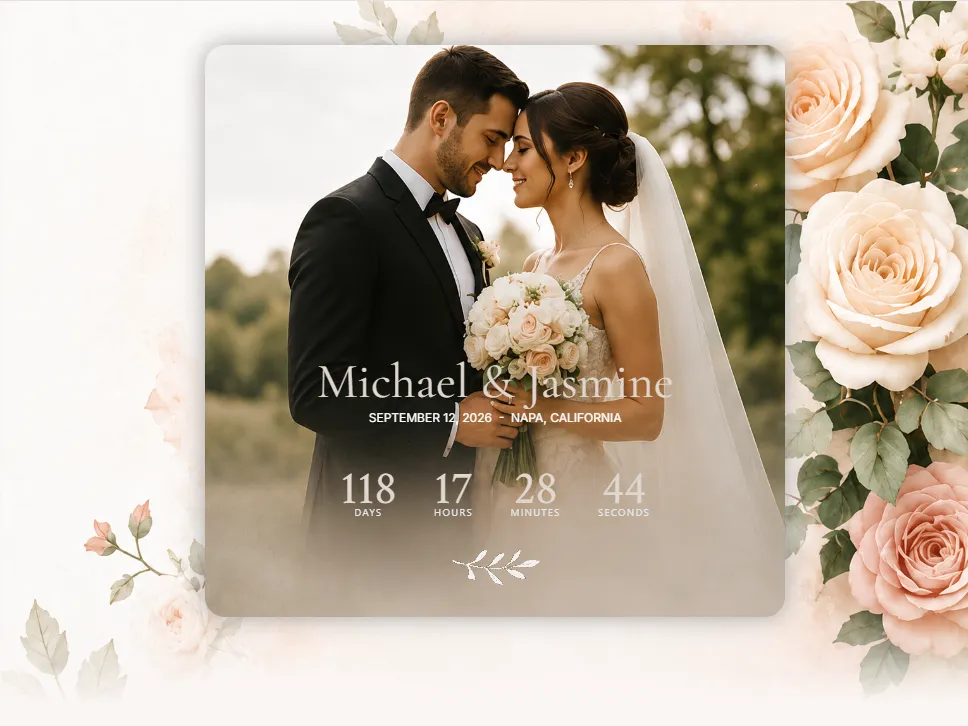
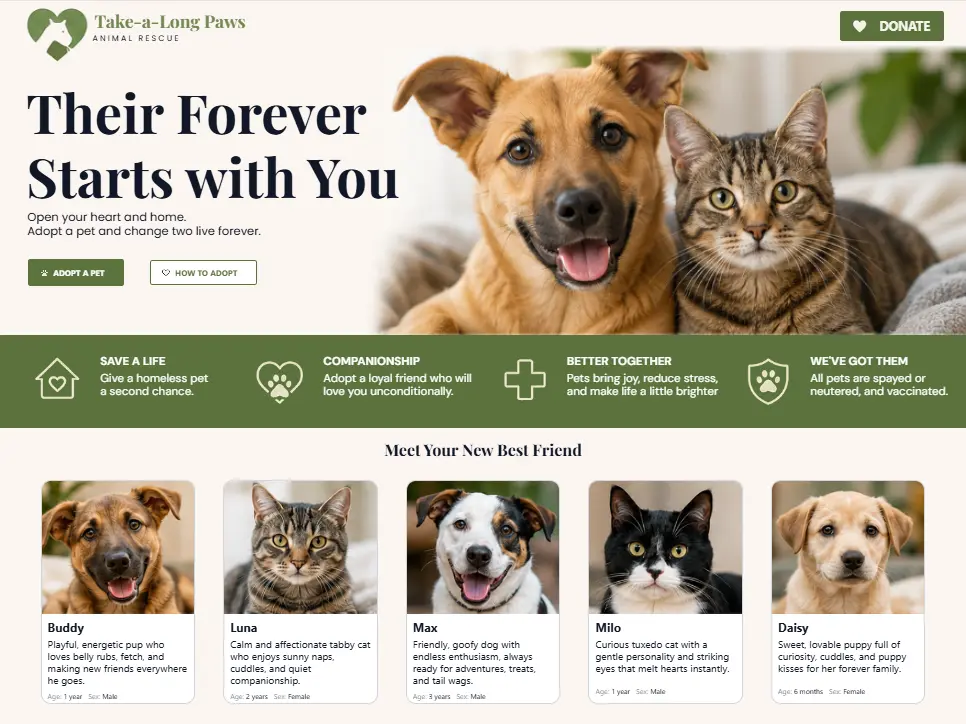
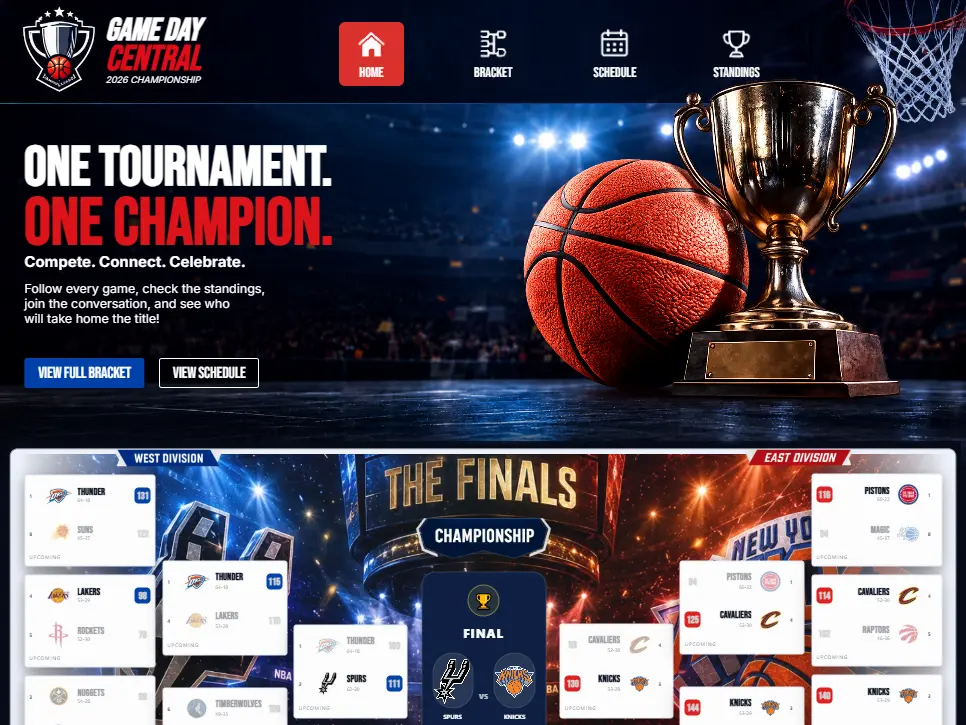
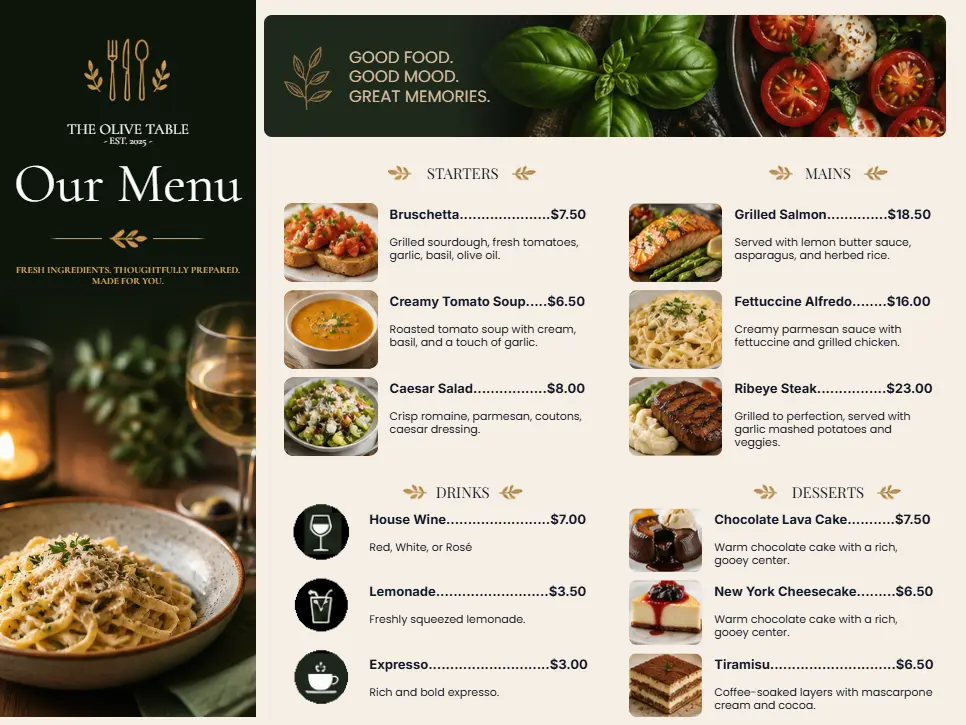
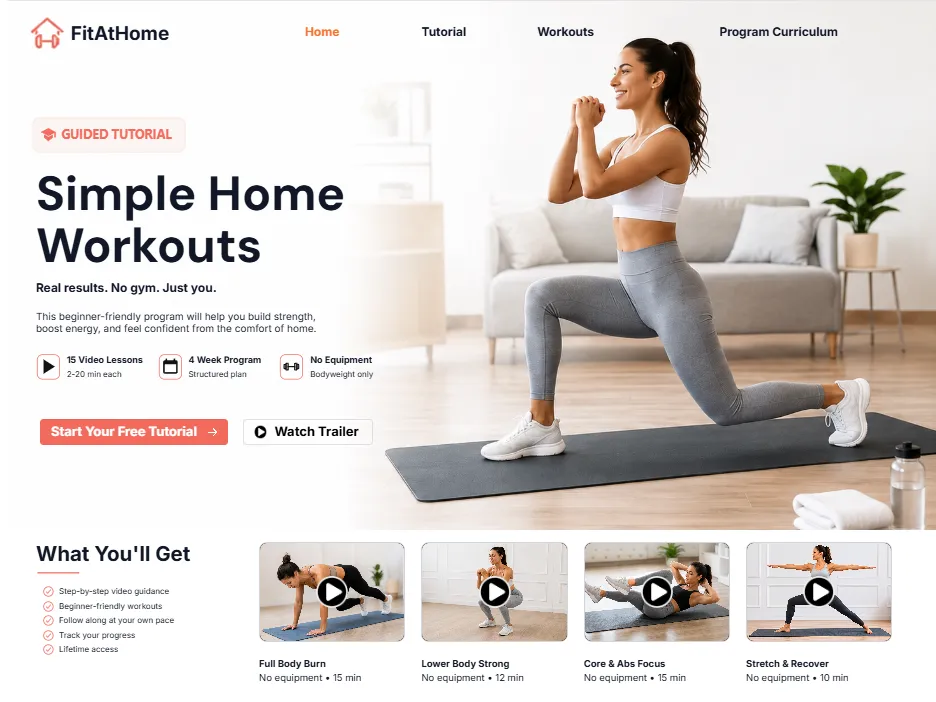
Ko-Host is a microsite builder that allows you to create and publish beautiful, mobile-friendly websites in minutes - without coding, domain setup, or complicated website builders. It is designed for weddings, events, graduations, creator link hubs, parties, campaigns, open houses, community announcements, temporary websites, personal showcases, and more.
What is a microsite?+
Ko-Host is a microsite publishing platform that allows you to create and publish beautiful, mobile-friendly websites in minutes - without coding, domain setup, or complicated website builders. It is designed for events, communities, creator link hubs, campaigns, promotions, announcements, temporary websites, personal showcases, and more.
Who is Ko-Host for?+
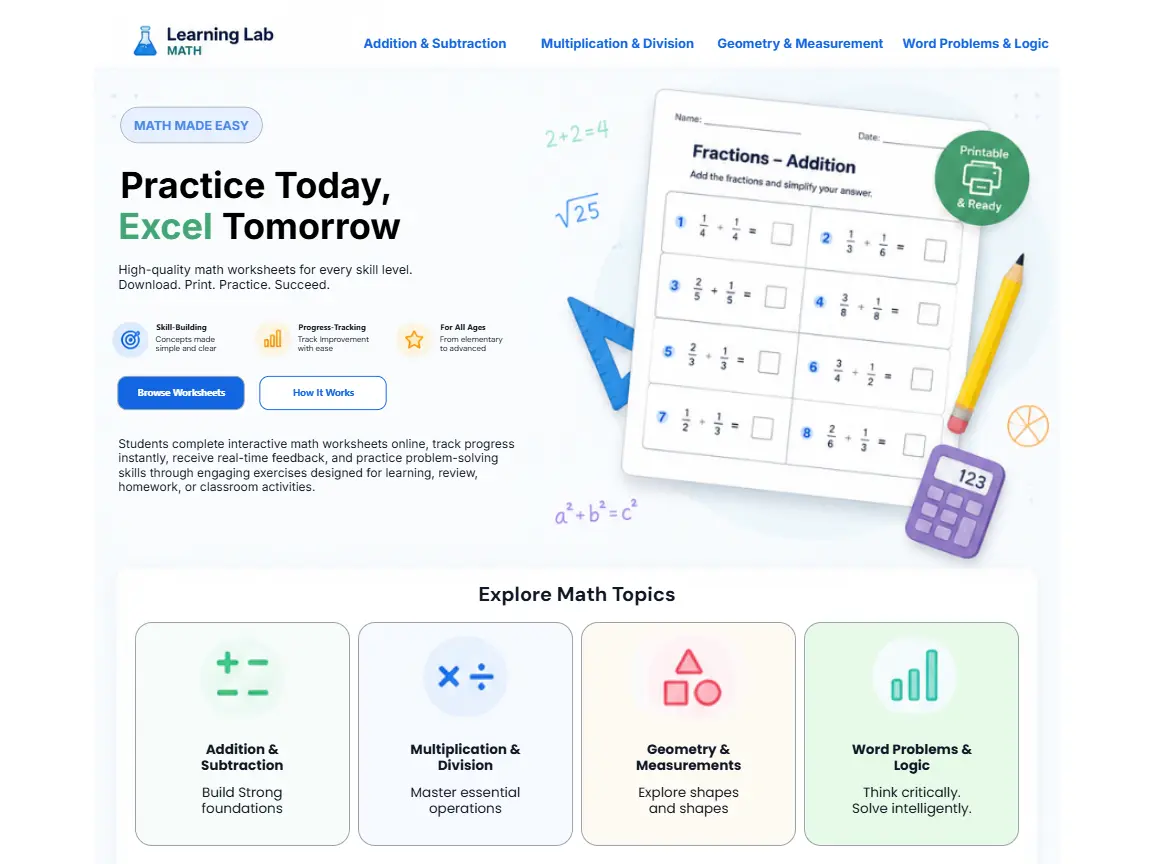
Ko-Host is designed for anyone who wants a professional online presence without the complexity of traditional website development, including couples, creators, families, students, realtors, small businesses, event organizers, influencers, community groups, and campaign organizers.
Do I need coding experience?+
No. Ko-Host is fully no-code. You can choose a template, customize content, rearrange sections, add media, and publish without programming knowledge.
Do I need to buy a domain?+
No. Ko-Host automatically provides a hosted microsite link, such as yourname.ko-host.com, so you can launch quickly without domain setup headaches.
How quickly can I publish a site?+
Most users can publish in minutes. Depending on customization level, many sites are completed in 5–15 minutes, sometimes even faster.
Is Ko-Host mobile friendly?+
Yes. Ko-Host microsites are designed to work beautifully on phones, tablets, laptops, and desktop computers.
Is Ko-Host only for temporary websites?+
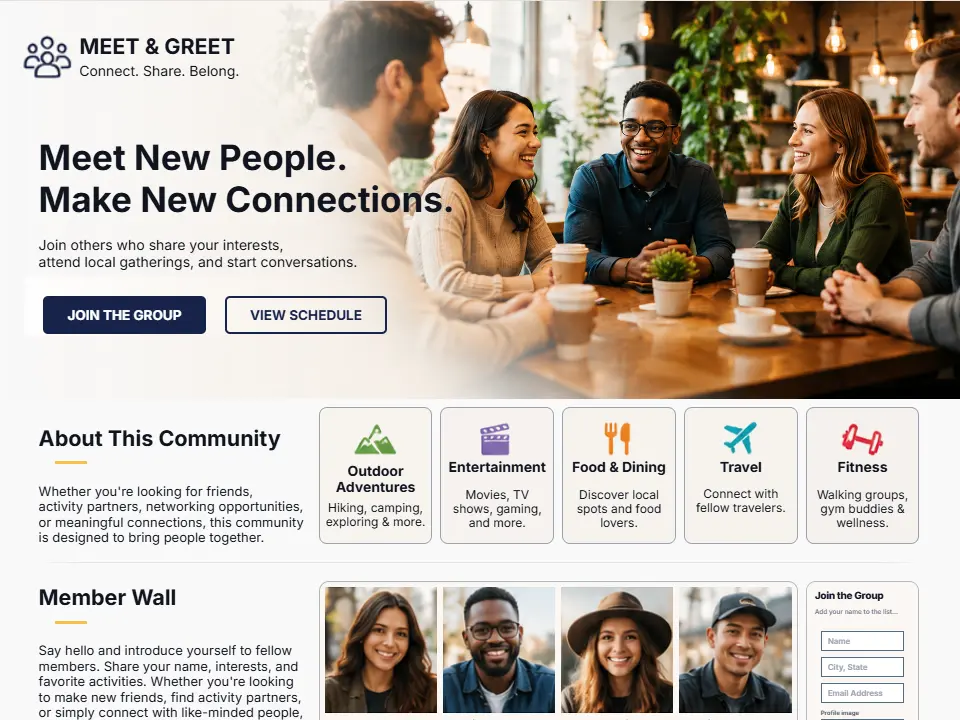
No. While Ko-Host is especially useful for temporary websites and events, many users also create creator hubs, portfolio pages, community pages, resource hubs, and ongoing event sites.
Account & Access
Do I need an account to create a site?+
You may preview templates and explore the platform without publishing, but an account is required to save and publish your microsite.
Can I edit my site after publishing?+
Yes. You can return to your dashboard anytime to update content, change images, edit layouts, add sections, and republish updates.
Can I unpublish my site?+
Yes. You can disable public access to your microsite whenever you choose.
Can I create multiple microsites?+
Yes. Many users create multiple sites for different events, clients, seasonal campaigns, and personal projects.
Is there a dashboard?+
Yes. Your dashboard allows you to manage microsites, edit drafts, track activity, access templates, and organize projects.
Templates & Design
Does Ko-Host provide templates?+
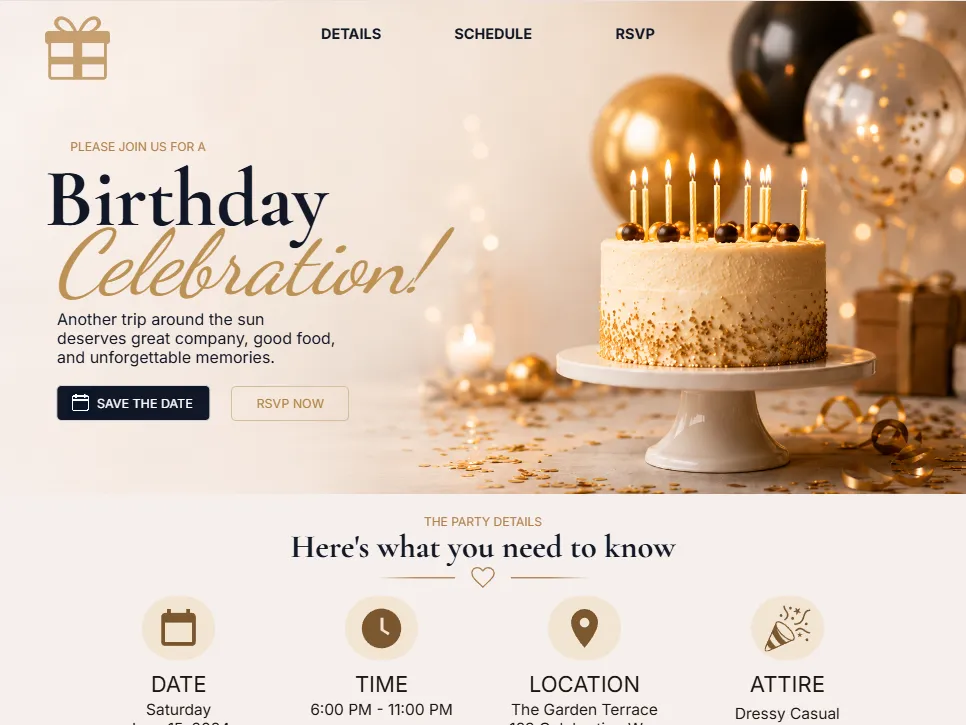
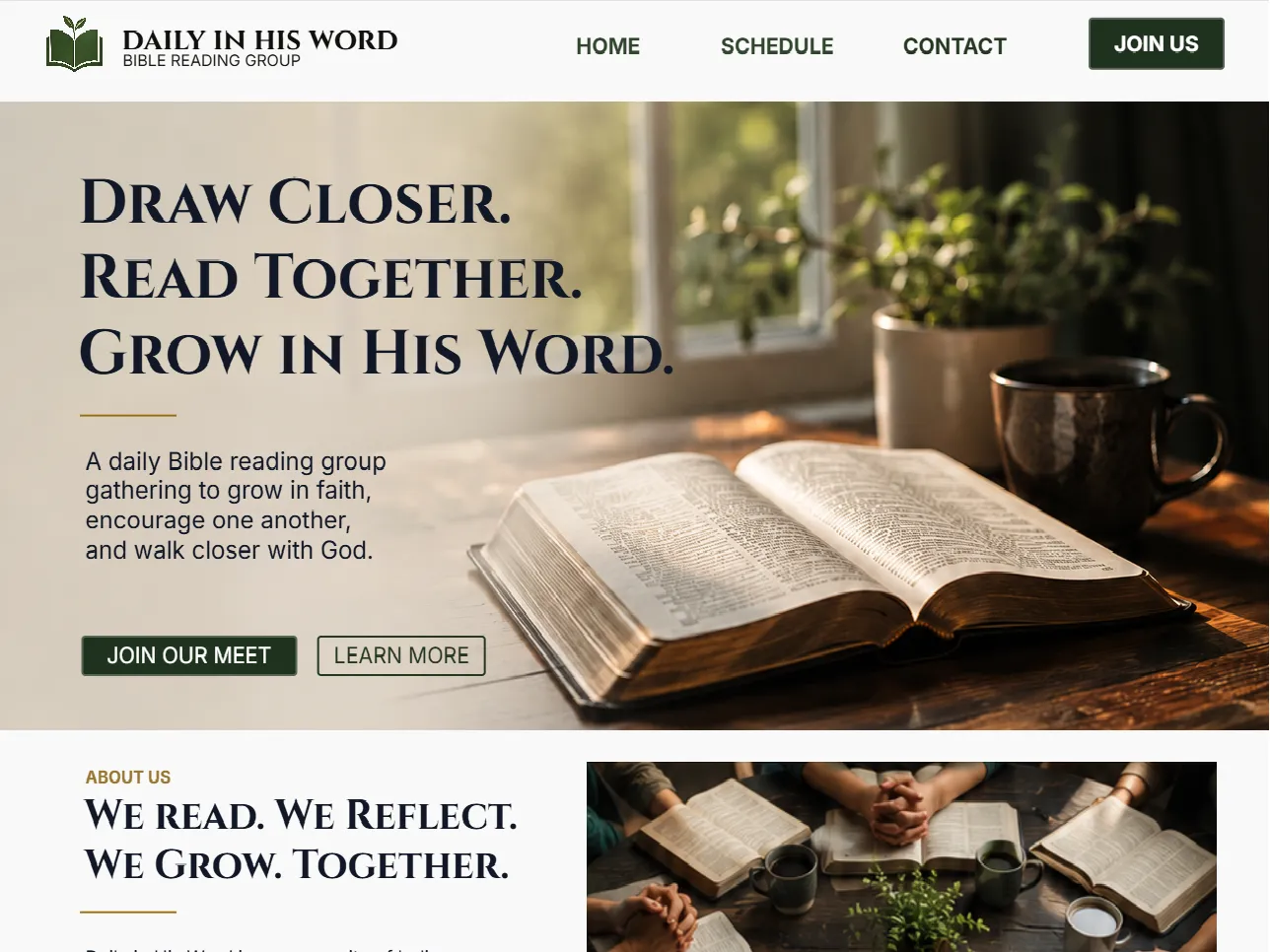
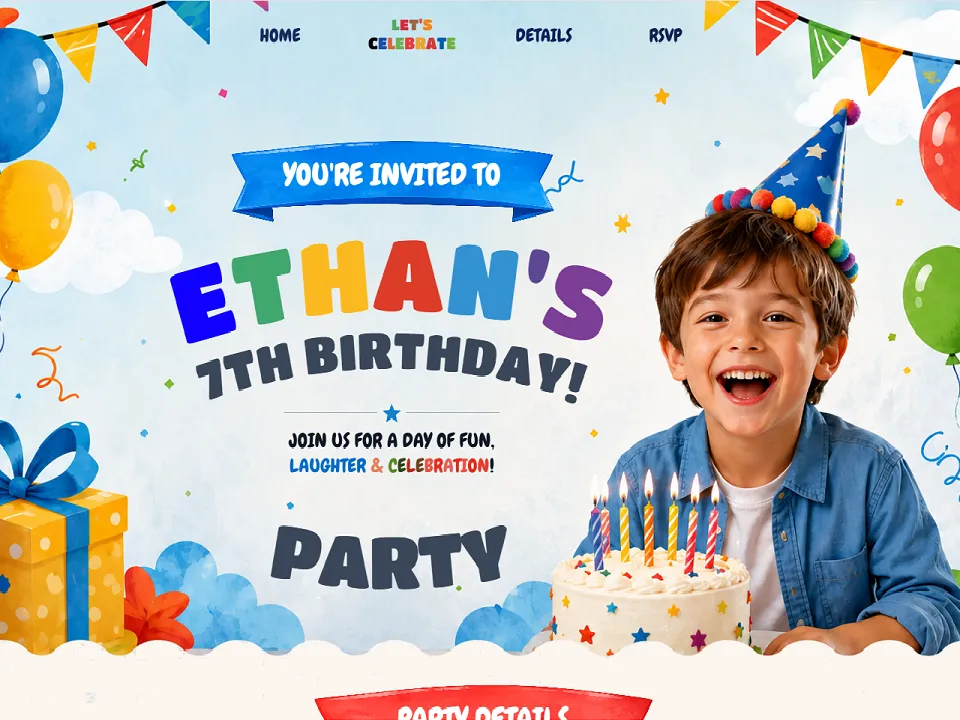
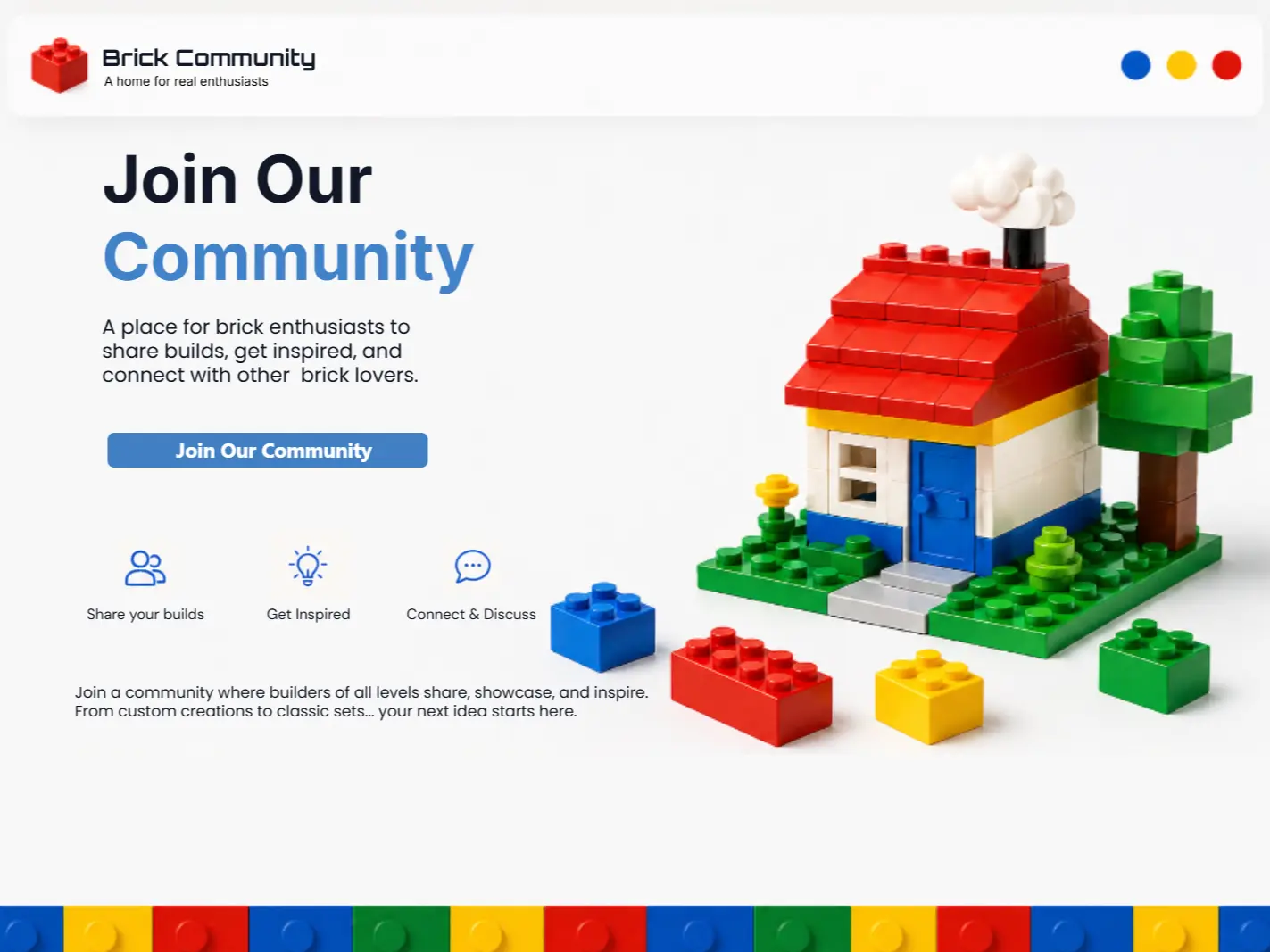
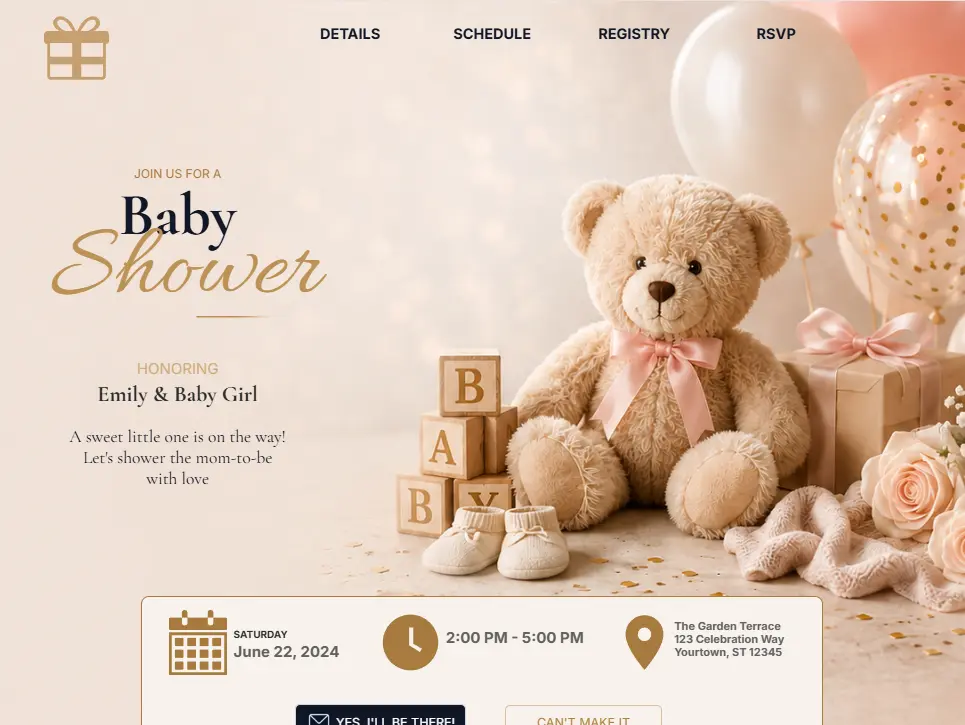
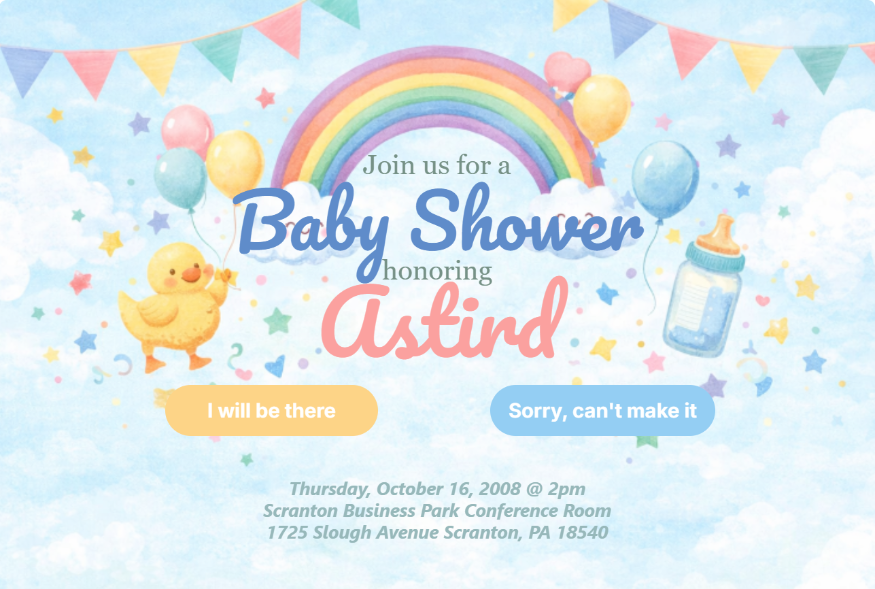
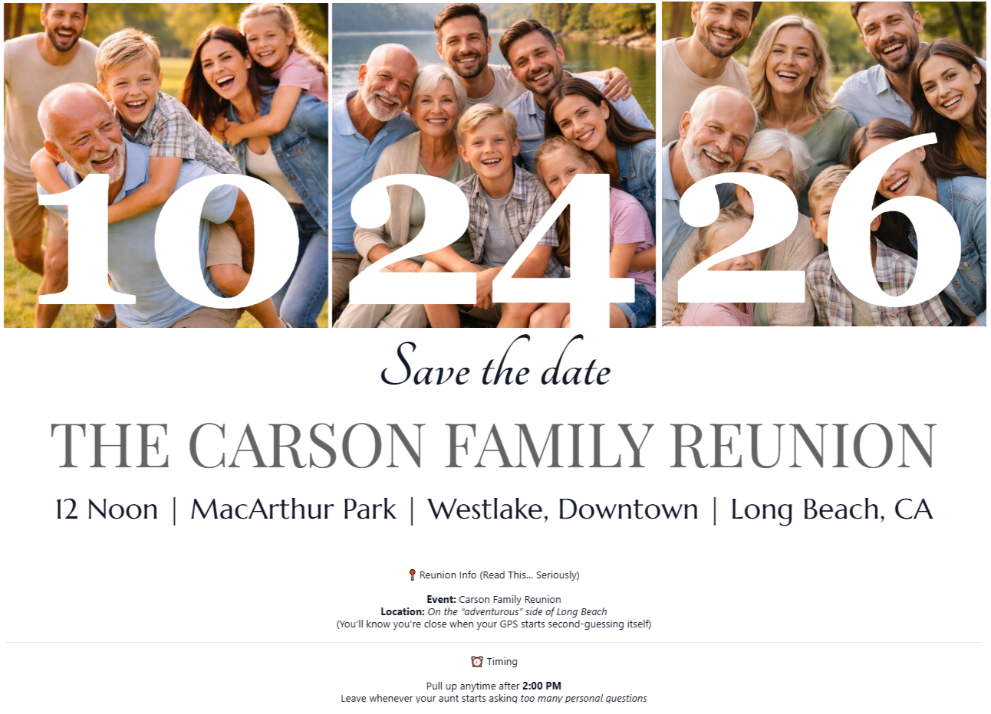
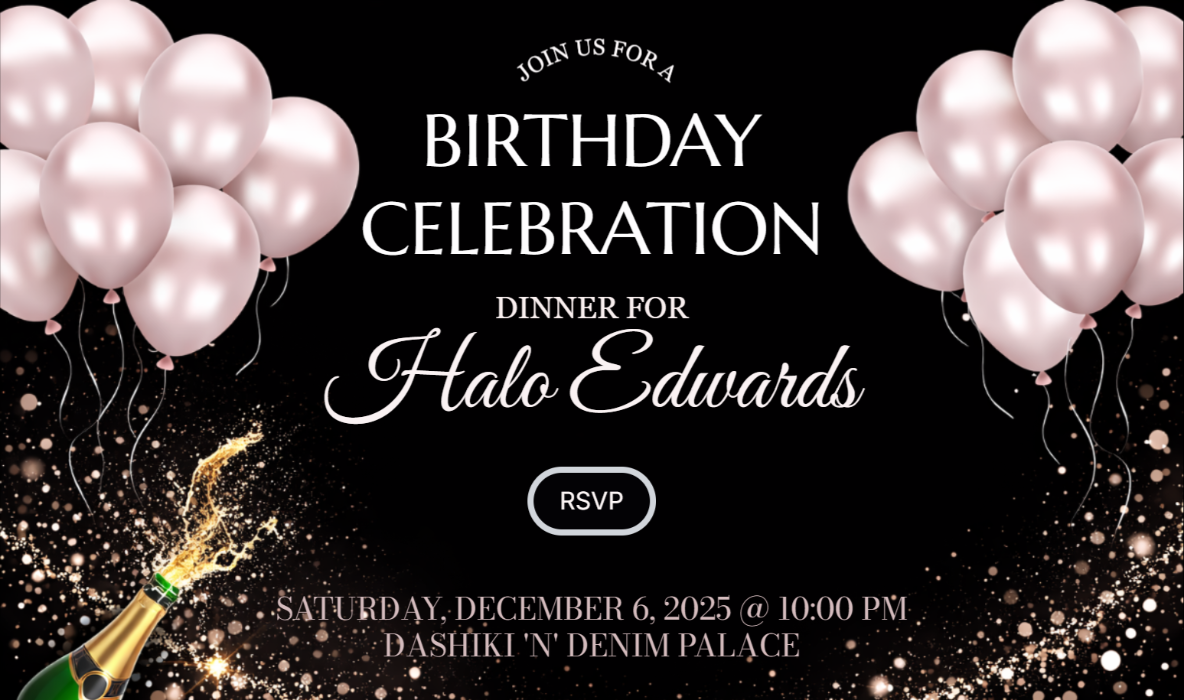
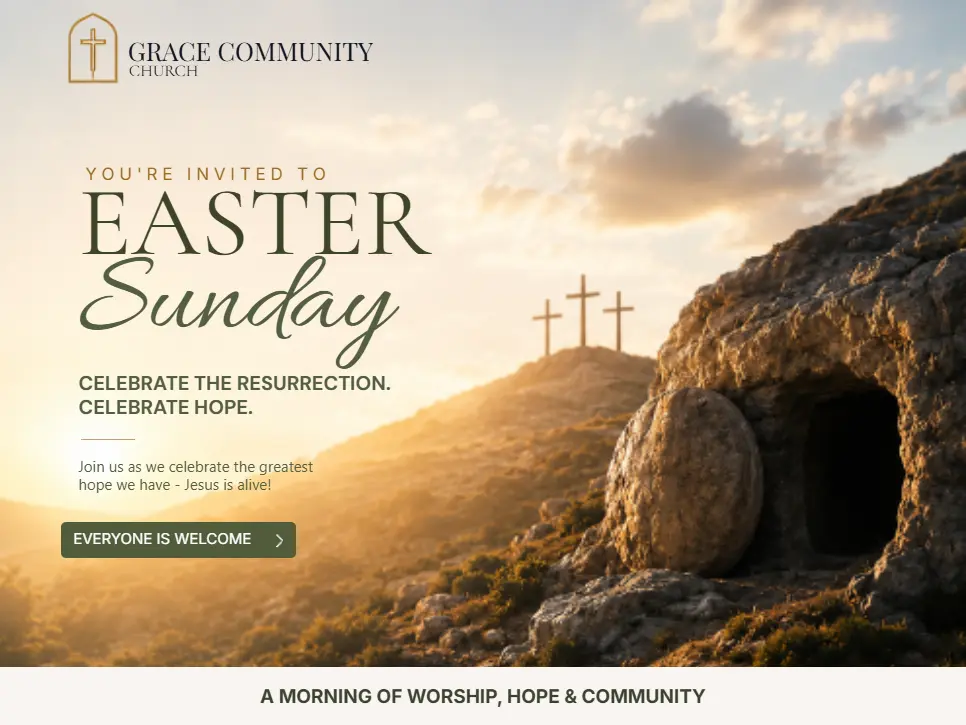
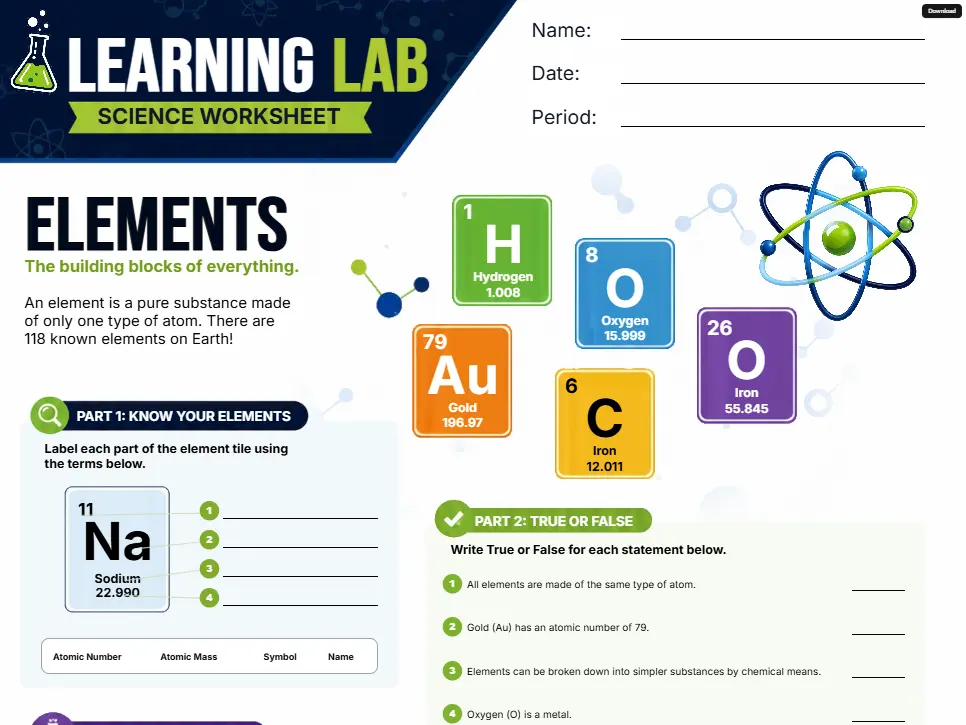
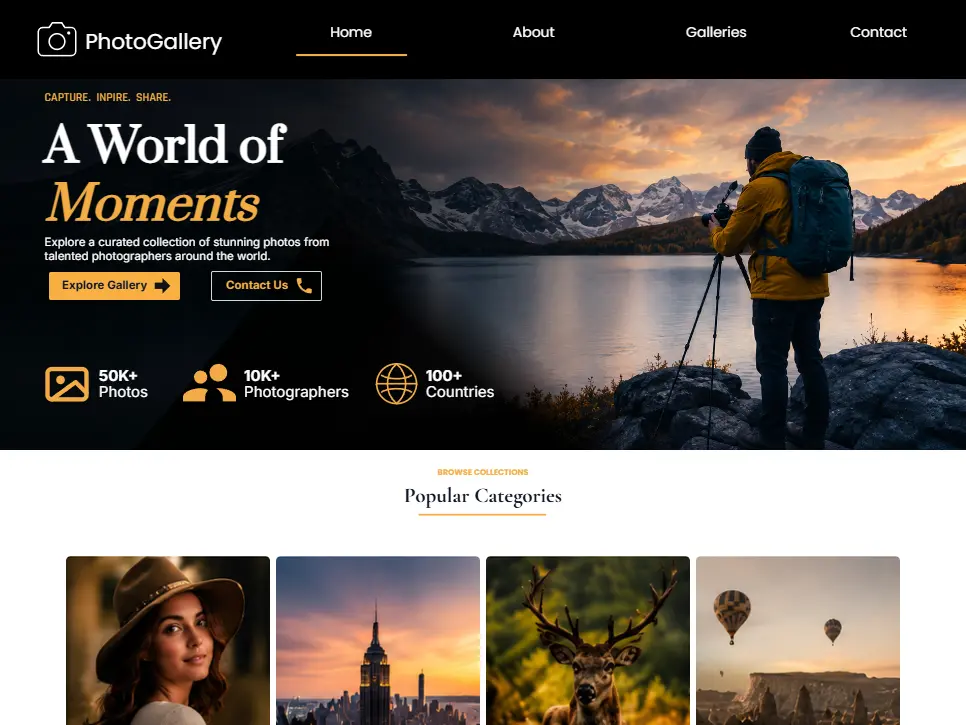
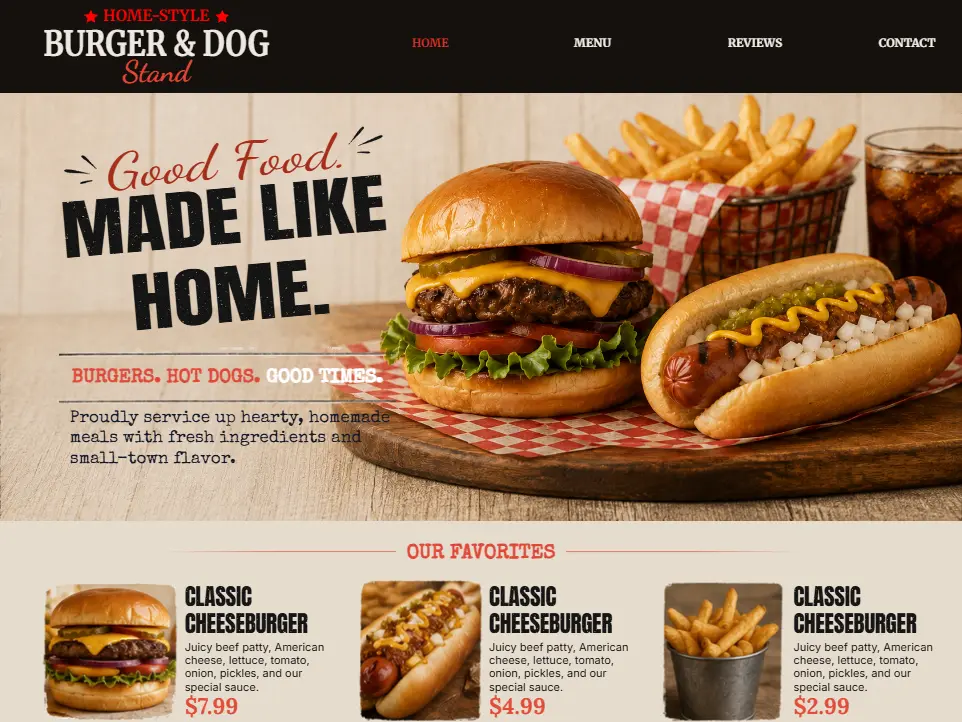
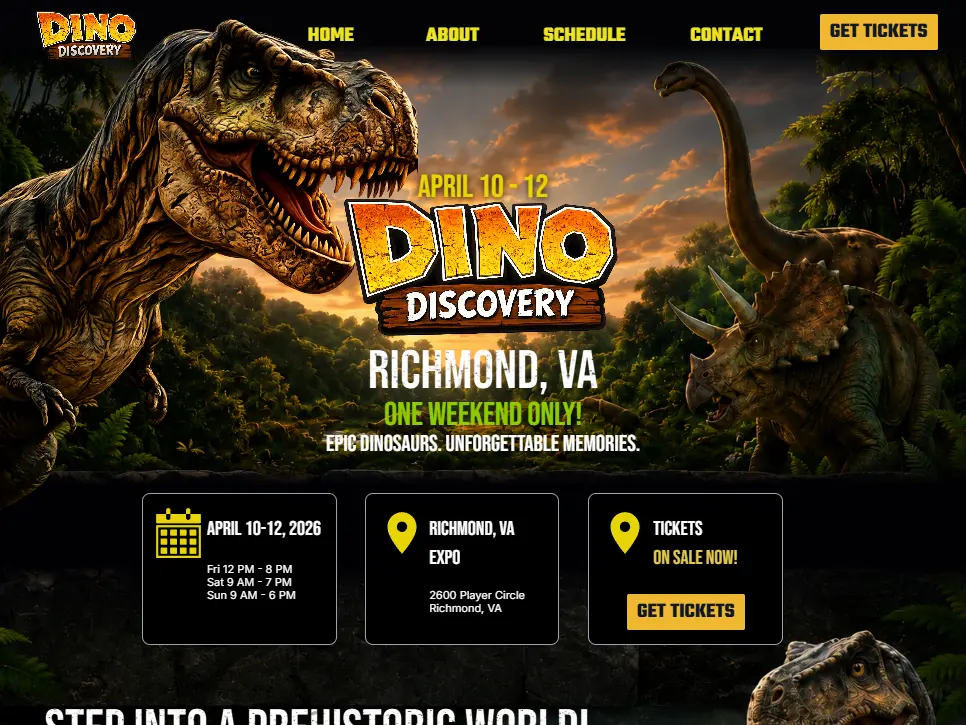
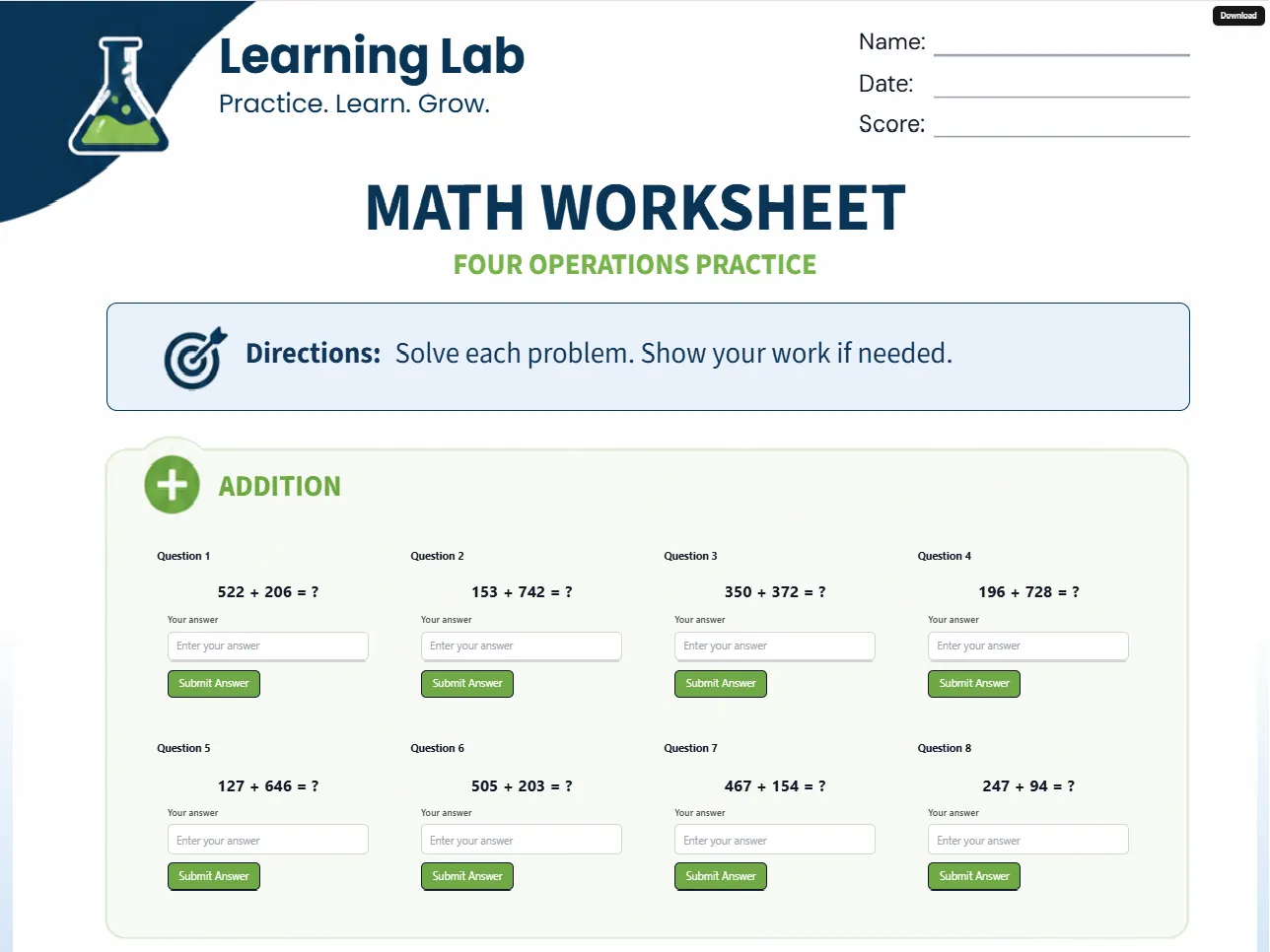
Yes. Ko-Host includes professionally-designed templates for weddings, creator pages, graduations, birthday events, campaigns, open houses, community pages, photo galleries, link hubs, and more.
Can I customize templates?+
Absolutely. You can customize text, colors, layouts, images, backgrounds, buttons, sections, media, spacing, shapes, and effects.
Can I upload my own photos?+
Yes. You can upload your own images, graphics, logos, banners, and visual assets.
Can I rearrange sections?+
Yes. Ko-Host allows flexible drag-and-drop style layout editing.
Can I create multi-page microsites?+
Yes. You can create multiple pages within a single microsite experience, such as Home, RSVP, Schedule, Gallery, Registry, Contact, and About.
Are animations supported?+
Yes. Many templates and blocks support modern visual effects and animations.
Can I create a site from scratch?+
Yes. You can heavily customize templates to create unique designs, or use the custom template if you prefer starting from a blank canvas.
Publishing & Hosting
Where is my site hosted?+
Ko-Host hosts your microsite for you. No separate hosting setup is required.
Do I need to configure servers?+
No. Ko-Host handles hosting, deployment, public access, and performance infrastructure.
What does publishing mean?+
Publishing makes your microsite publicly accessible online. Once published, you can share your link immediately.
Can I share my site anywhere?+
Yes. Your microsite link and/or auto-generated QR code can be shared through text messages, social media, email, invitations, flyers, and business cards.
Can I use QR codes with my site?+
Yes. Many users place QR codes on invitations, posters, flyers, event signage, tables, packaging, and booth displays.
Is my microsite secure?+
Ko-Host uses secure hosting infrastructure and encrypted connections.
Will my site work internationally?+
Yes. Anyone with your link can access your microsite online.
Events, RSVPs & Forms
Does Ko-Host support RSVPs?+
Yes. Ko-Host includes RSVP functionality for supported templates.
Can guests RSVP from mobile devices?+
Yes. Guests can submit RSVPs directly from phones and tablets.
Can I track RSVP submissions?+
Yes. Supported RSVP systems allow you to view submissions, monitor attendance, export responses, and track guest counts.
Can I collect meal choices or notes?+
Yes. RSVP forms can support meal selections, notes, plus-one information, attendance counts, and contact details.
Can I create schedules or agendas?+
Yes. Ko-Host supports schedule and timeline style sections.
Can I add maps or locations?+
Yes. Location and map sections are supported.
Can I create wedding websites?+
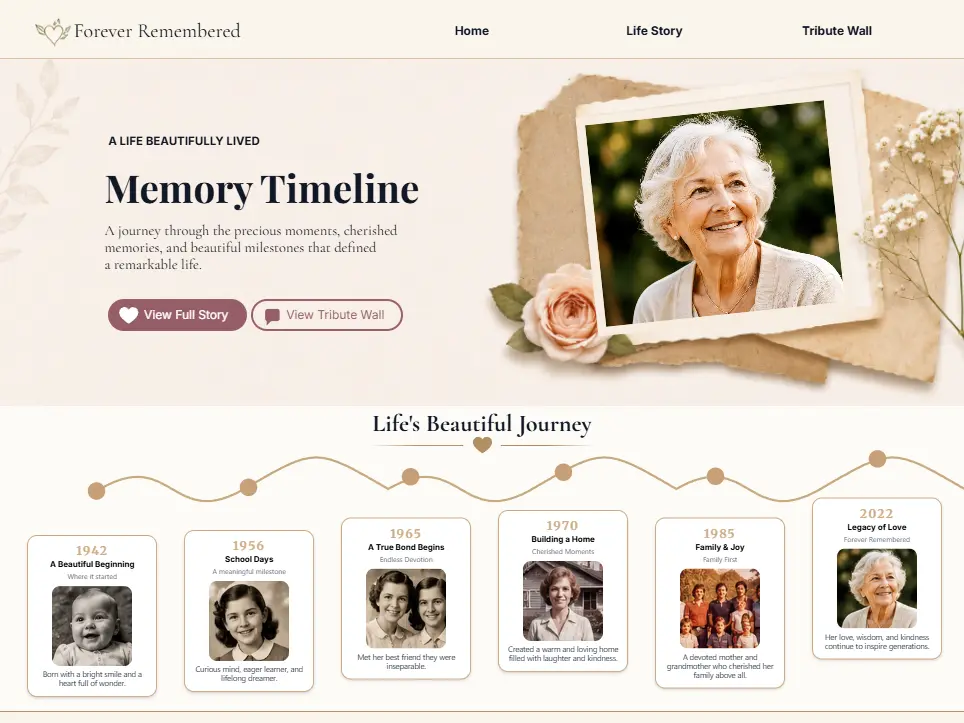
Yes. Wedding websites are one of the most popular use cases on Ko-Host. Common sections include RSVP, schedule, story timeline, registry, gallery, and venue information.
Creator & Business Questions
Can creators use Ko-Host?+
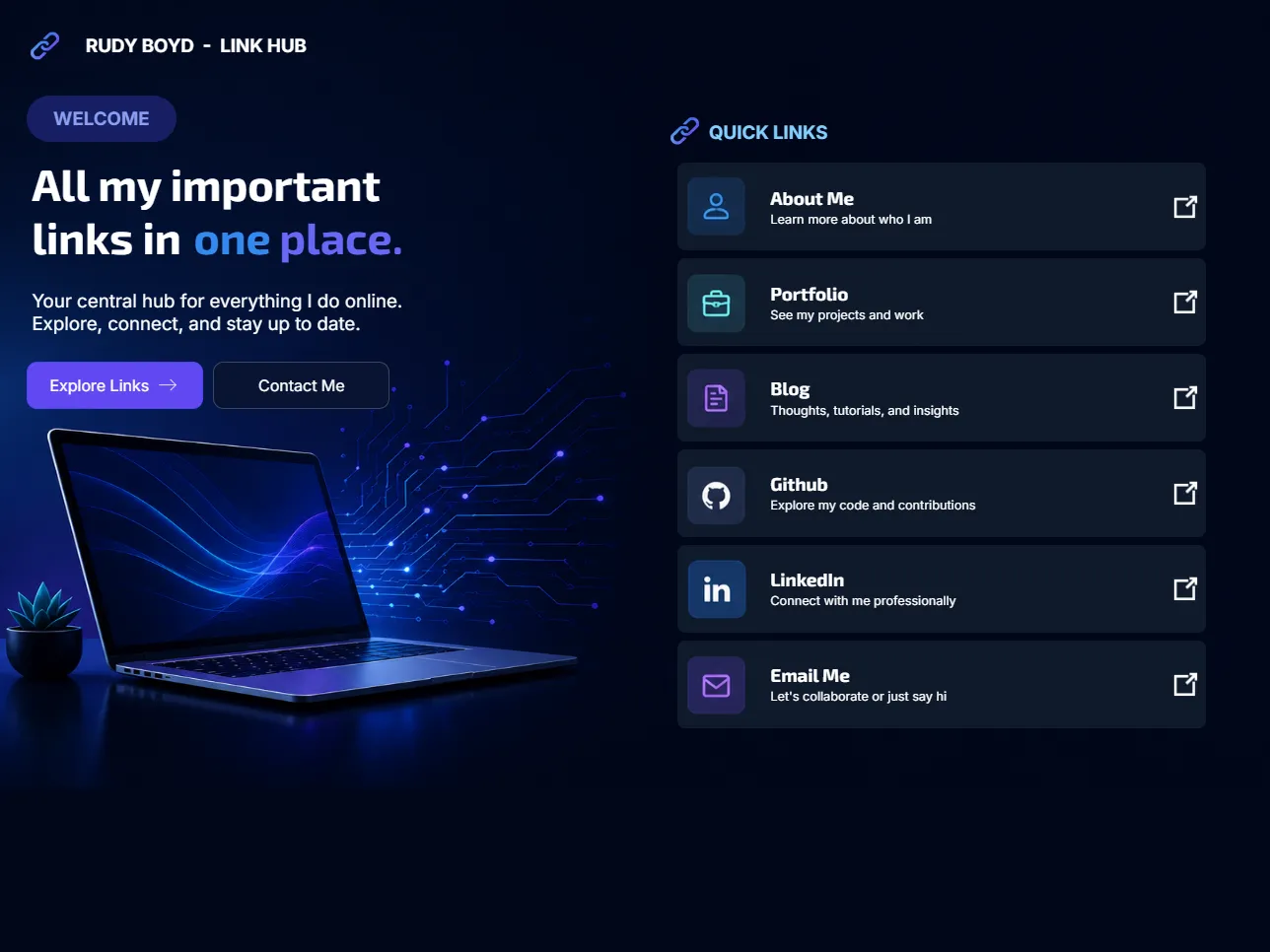
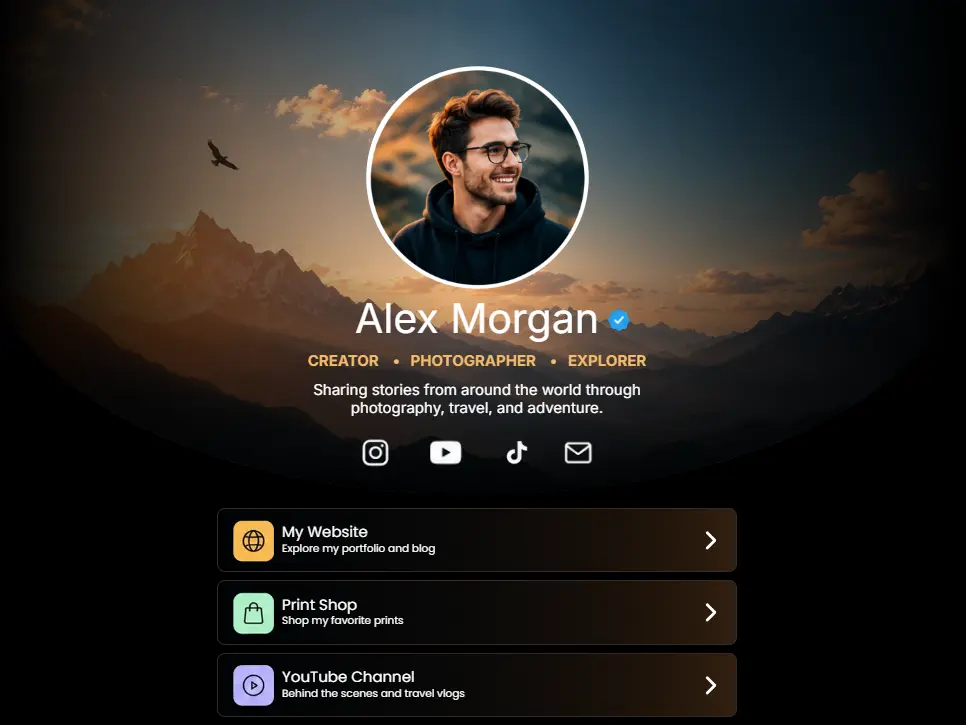
Absolutely. Creators commonly use Ko-Host for link hubs, portfolio pages, media kits, landing pages, product links, and brand showcases.
Is Ko-Host like Linktree?+
Ko-Host supports creator link hub experiences, but offers far more visual customization and flexibility than basic link-in-bio tools.
Can I use Ko-Host for business promotions?+
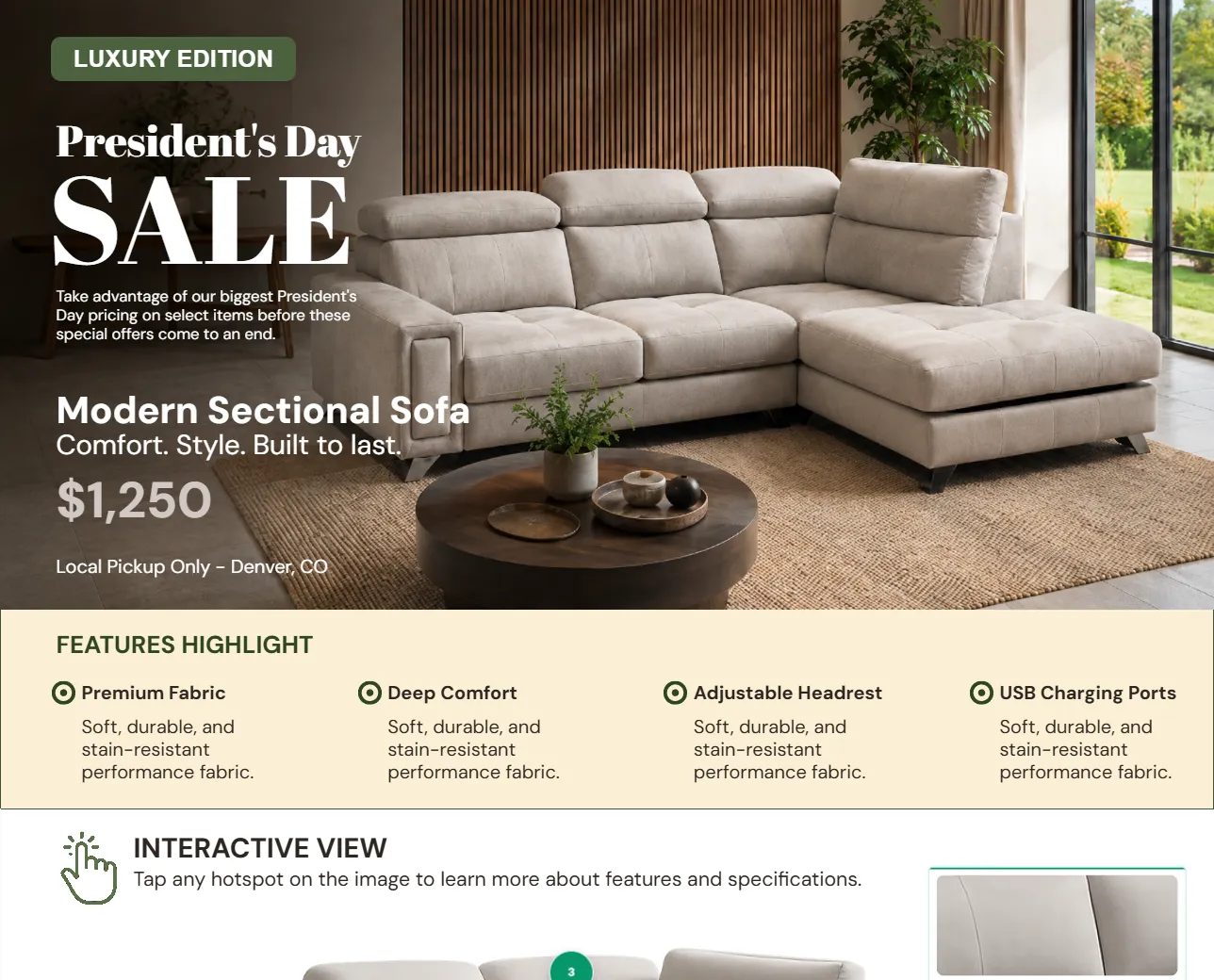
Yes. Businesses use Ko-Host for product launches, event promotions, campaign pages, temporary promotions, and QR code experiences.
Can I sell products or collect payments?+
Some templates and blocks support checkout and payment-related experiences.
Can nonprofits or organizations use Ko-Host?+
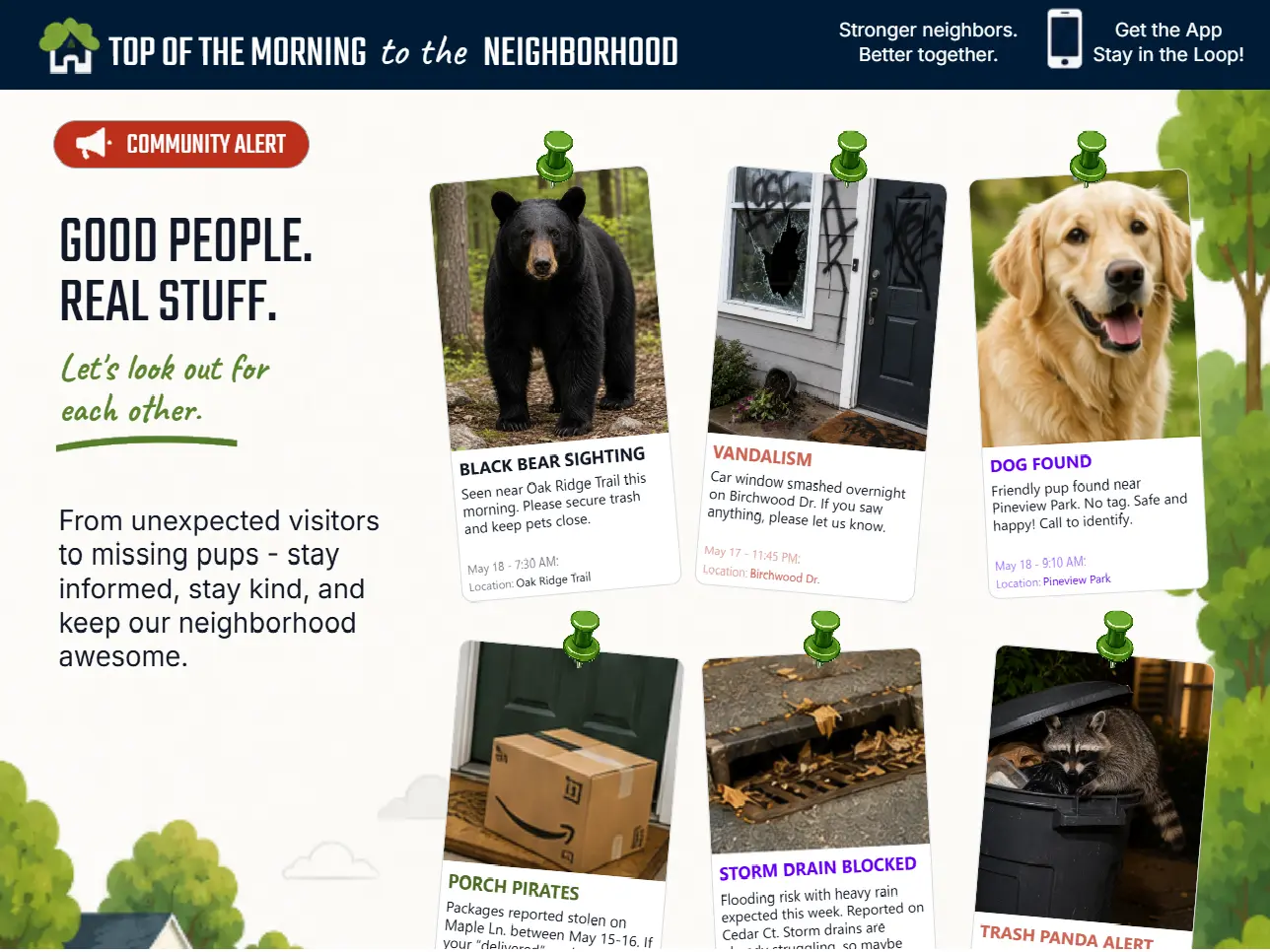
Yes. Ko-Host works well for community groups, local organizations, fundraisers, awareness campaigns, and school events.
Technical Questions
Does Ko-Host work on iPhone and Android?+
Yes. Ko-Host microsites are designed to work across modern mobile devices.
Does Ko-Host require an app?+
No. Everything works directly in the browser.
Is software installation required?+
No. Ko-Host is fully web-based.
Will my microsite appear in search engines?+
Public microsites may appear in search engines depending on visibility and indexing.
Can I password protect a site?+
Yes. Certain experiences and templates may support protected or gated access functionality.
Can I embed videos?+
Yes. Video content can be embedded into supported layouts.
What kinds of media are supported?+
Supported content may include images, video, text, buttons, galleries, forms, schedules, maps, checklists, carousels, polls, countdown timers, and more.
Pricing
Is Ko-Host free?+
No. Publishing a microsite on Ko-Host is a paid service. Microsites currently cost $12 to publish for 90 days. Ko-Host may also offer optional premium upgrades depending on selected features, tools, and publishing options.
What features are premium?+
Premium features may include advanced customization, enhanced publishing, additional pages, and advanced tools.
Are there subscriptions?+
No. Ko-Host currently uses straightforward upfront publishing costs rather than recurring subscriptions. Users pay to publish microsites for a set duration, with the option to extend the publishing term if needed.
Can I cancel anytime?+
Yes. You can stop using the platform at any time.
Support & Editing
How do I get help?+
Support may be available through contact forms, help pages, documentation, and community resources.
What if I make a mistake while editing?+
You can continue editing and republishing changes at any time. Ko-Host includes a draft-saving system designed to help preserve progress and maintain version control while building microsites.
Can beginners use Ko-Host?+
Yes. Ko-Host is specifically designed to be approachable for non-technical users.
Why choose Ko-Host instead of a traditional website builder?+
Ko-Host focuses on speed, simplicity, visual presentation, temporary experiences, event-driven websites, and easy publishing. Instead of spending days building a complicated website, users can launch polished microsites quickly.
Common Search Questions
What is the easiest way to create an event website?+
Ko-Host provides an easy way to create event websites without coding, hosting setup, or domain configuration.
What is a temporary website?+
A temporary website is a short-term site created for a specific purpose or event, such as a wedding, graduation, campaign, promotion, party, or launch.
What is the best microsite builder for events?+
Ko-Host is designed specifically for fast, visually engaging event and temporary microsites.
Can I create a website without buying a domain?+
Yes. Ko-Host provides hosted microsite links automatically.
Can I launch a website quickly without hiring a developer?+
Yes. Ko-Host eliminates the need for coding or traditional website development workflows.
Launch your microsite in minutes.
Create beautiful event pages, creator hubs, announcements, temporary websites, and interactive experiences without coding.